Best Cryptocurrency Wallets to Try: Must-Have Picks
In this article

/ Best Cryptocurrency Wallets to Try: Must-Have Picks
Choosing a crypto wallet should feel clear, not risky. The right pick keeps your coins safe, fits your habits, and supports the networks you use. This guide highlights trusted wallets across hardware and software, plus quick checks to help you match a wallet to your needs.
/ How crypto wallets work in plain terms
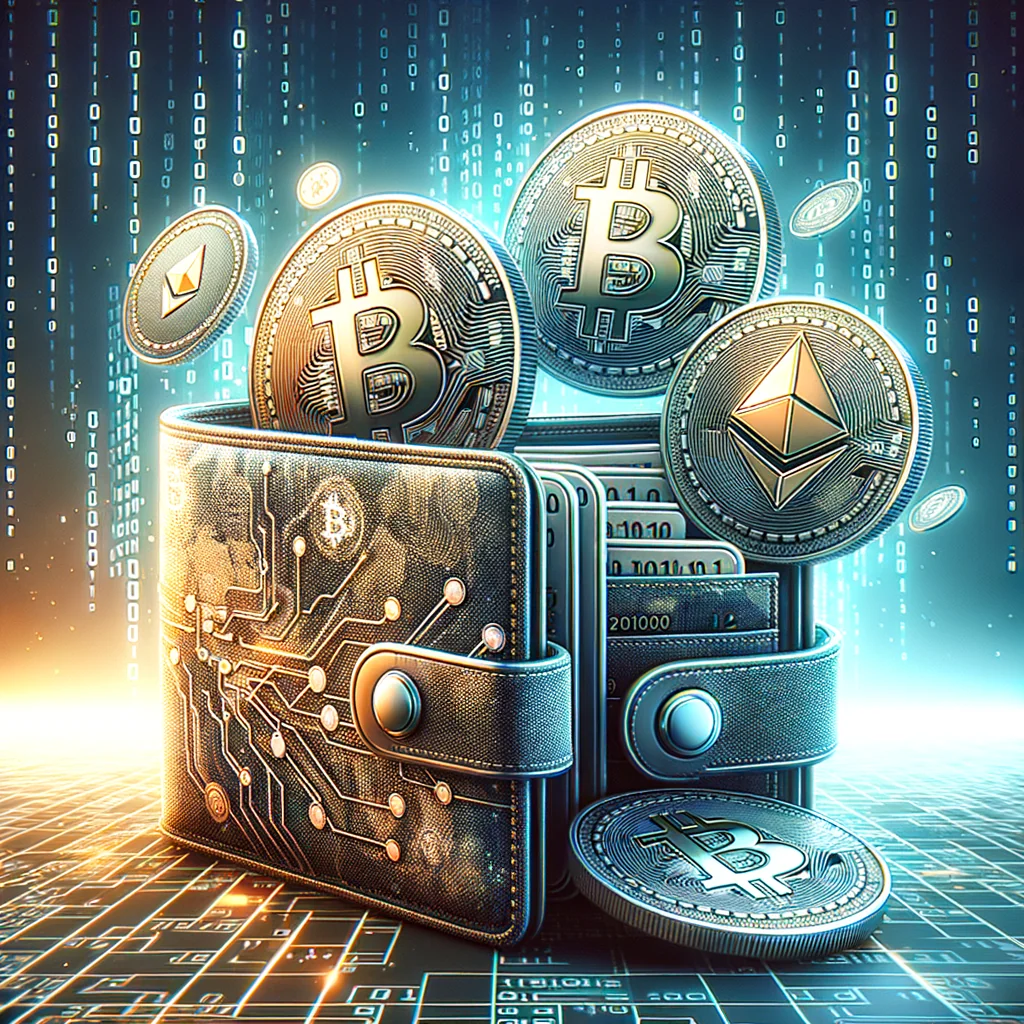
A wallet stores your private keys, not the coins themselves. Coins live on a blockchain. Your keys sign transactions and prove control. Lose the keys and you lose access. Secure backup and clean device hygiene matter more than features on a splashy screen.
/ Custody and wallet types
Start by choosing custody. Self-custody means you control the keys. Custodial means a company controls them for you. Self-custody suits people who value independence and will keep backups safe. Custodial suits people who prefer account recovery and simple access.
Then pick a type that matches your risk and usage:
- Hardware wallets: Offline devices for long-term storage and larger balances.
- Mobile wallets: On-the-go spending, NFTs, and quick DeFi actions.
- Desktop wallets: Power features, full control, often for Bitcoin or multi-chain setups.
- Browser wallets: DApp access, quick swaps, and Web3 sign-in.
- Multisig/MPC: Shared control across devices or people for higher security.
A simple split helps: cold storage for savings, hot wallets for daily use. Many people keep both and move funds between them when needed.
/ Must-have security features
Before you pick a wallet, scan for the basics. These features reduce risk without adding friction.
- Clear seed phrase backup flow with optional passphrase support.
- Open-source code or strong, independent audits.
- Address verification on a hardware screen before you confirm sends.
- Biometrics or PIN for local device access.
- Phishing warnings and transaction simulation for DApps.
A small example: you connect a browser wallet to a new DeFi site. A simulation flags a “setApprovalForAll” that drains tokens. You cancel. That warning alone can save your portfolio.
/ Top picks by use case
The wallets below have strong track records, active development, and clear security stories. Choose based on your assets and how you transact.
/ Best hardware wallets
Hardware wallets store keys offline and confirm details on-device. They suit long-term holds and larger amounts.
- Ledger Nano X / S Plus: Wide coin support, Ledger Live app, secure element chip. Use Nano X for Bluetooth mobility. Note: closed-source firmware; pair with strong passphrase practice.
- Trezor Model T / Trezor One: Open-source stack, clear UI, solid recovery flow. Model T adds touch screen and more coin support.
- Keystone Pro: Air-gapped QR flows, open-source firmware, large screen for clear signing. Good for DeFi users who want camera-based signing.
Tip: Buy direct from the maker, not resellers. On first setup, generate your own seed on the device and verify it there, not on a PC.
/ Best wallets for Ethereum and EVM chains
These options focus on DApps, NFTs, and tokens on Ethereum, Arbitrum, Optimism, Polygon, and more.
- Rabby Wallet (browser): Transaction simulation by default, chain auto-switch, clear risk prompts. Great for power users who hop chains often.
- MetaMask (mobile + browser): Massive DApp support, snaps ecosystem, hardware wallet pairing. Mind permissions and check contract interactions.
- Safe (formerly Gnosis Safe): Multisig smart wallet. Ideal for teams, DAOs, or personal vaults with multiple devices.
One micro-scenario: you keep a Safe with 2-of-3 signers (phone, laptop, hardware wallet). A thief steals your phone. Your funds stay safe; you rotate that signer and carry on.
/ Best Bitcoin-first wallets
Bitcoin users often want careful fee control, coin control, and simple screens.
- Electrum (desktop): Mature, plugin support, hardware wallet integration, coin control, PSBT.
- Sparrow Wallet (desktop): Clean PSBT flow, labels, coin control, Tor support, hardware wallet pairing.
- BlueWallet (mobile): Easy Lightning support, PSBT with hardware devices.
For long-term BTC, combine Sparrow or Electrum with a hardware wallet. You keep signing offline while enjoying rich desktop tools.
/ Best multi-chain mobile wallets
If you hold many coins and want a clean mobile experience, these stand out.
- Trust Wallet: Huge asset support, staking, NFT view, DApp browser on Android.
- Exodus: Polished UI, portfolio view, Trezor integration on desktop, strong support guides.
Mobile is great for convenience. For larger balances, pair it with a hardware device and keep only spending funds on the phone.
/ Best chain-specific wallets
Some ecosystems shine with their native wallets.
- Phantom (Solana): Smooth NFT and DeFi experience, spam token filters, mobile and browser.
- Keplr (Cosmos): IBC support, staking flows, governance, wide Cosmos app coverage.
If you live on one chain, a native wallet often gives you faster updates and better feature support.
/ Quick comparison
This table sums up key fits so you can shortlist faster.
| Wallet | Type | Best for | Strengths | Watch-outs |
|---|---|---|---|---|
| Ledger Nano X/S Plus | Hardware | Long-term, multi-coin | Wide support, Ledger Live, secure chip | Closed firmware, supply-chain vigilance |
| Trezor Model T/One | Hardware | Open-source fans | Auditable stack, easy recovery | Model T price, learn passphrase use |
| Rabby Wallet | Browser | EVM power users | Simulations, chain switching | Hot wallet risk |
| MetaMask | Browser/Mobile | Web3 access | Huge DApp reach, hardware pairing | Phishing risk without care |
| Safe | Smart multisig | Teams and vaults | Shared control, module ecosystem | Setup is longer, on-chain fees |
| Sparrow | Desktop | Bitcoin control | PSBT, labels, Tor | Desktop learning curve |
| Phantom | Mobile/Browser | Solana users | Fast UX, NFT tools | Hot wallet risk |
If you still feel stuck, filter by assets first. A great wallet that does not support your chain is a non-starter. Then sort by security model and UX.
/ Simple setup plan for safer crypto
If you want a clean start, use this quick plan. It balances safety with speed.
- Pick two wallets: one hardware (savings) and one hot wallet (daily spend).
- Generate a new seed on the hardware device. Write it on paper. Store it in two safe places.
- Add a passphrase if supported. Memorize it. Never write it next to your seed.
- Install a hot wallet you trust. Disable auto-approve if present. Enable phishing warnings.
- Send a tiny test transaction. Confirm address on the hardware screen first.
This flow fits most people. You keep most funds offline and only move what you need for the week.
/ Common mistakes to avoid
Small slips cause big losses. These pitfalls show up often during support requests and forum posts.
- Typing seed phrases into websites or “recovery forms.” No real support team asks for seeds.
- Reusing the same hot wallet across random airdrop sites. Use a burner wallet for unknown DApps.
- Skipping firmware or app updates on wallets for months. Updates often patch real bugs.
- Storing large amounts on phones without a hardware backup plan.
A good habit: set a monthly “wallet health” reminder. Update apps, test backups, and review permissions. Ten minutes beats a weekend of damage control.
/ How to pick based on your profile
Match your choice to your patterns. A clear profile speeds the decision.
- Long-term holder: Ledger, Trezor, or Keystone plus Sparrow or Ledger Live for monitoring.
- DeFi explorer on EVM: Rabby or MetaMask with a hardware wallet linked. Safe for vaulting.
- Bitcoin-focused: Sparrow or Electrum with a hardware signer.
- Solana native: Phantom with a hardware wallet bridge when possible.
- Cosmos staker: Keplr for IBC and governance.
If you change profiles, you can migrate. Create a new wallet, move funds in batches, and retire the old one after a cooldown period.
/ Final thoughts for steady users
Good wallets make safe choices easy. Pair cold storage for savings with a lean hot wallet for daily moves. Use transaction previews, verify addresses on a device screen, and keep backups away from cameras and clouds. With those habits, the wallet you pick from this list will serve you well for years.